
YOUR STORY. YOUR DETAILS. YOUR ART.
How It Works
A few personal details can become something you will treasure every day. Here is how to create your Emberena piece.
Find your keepsake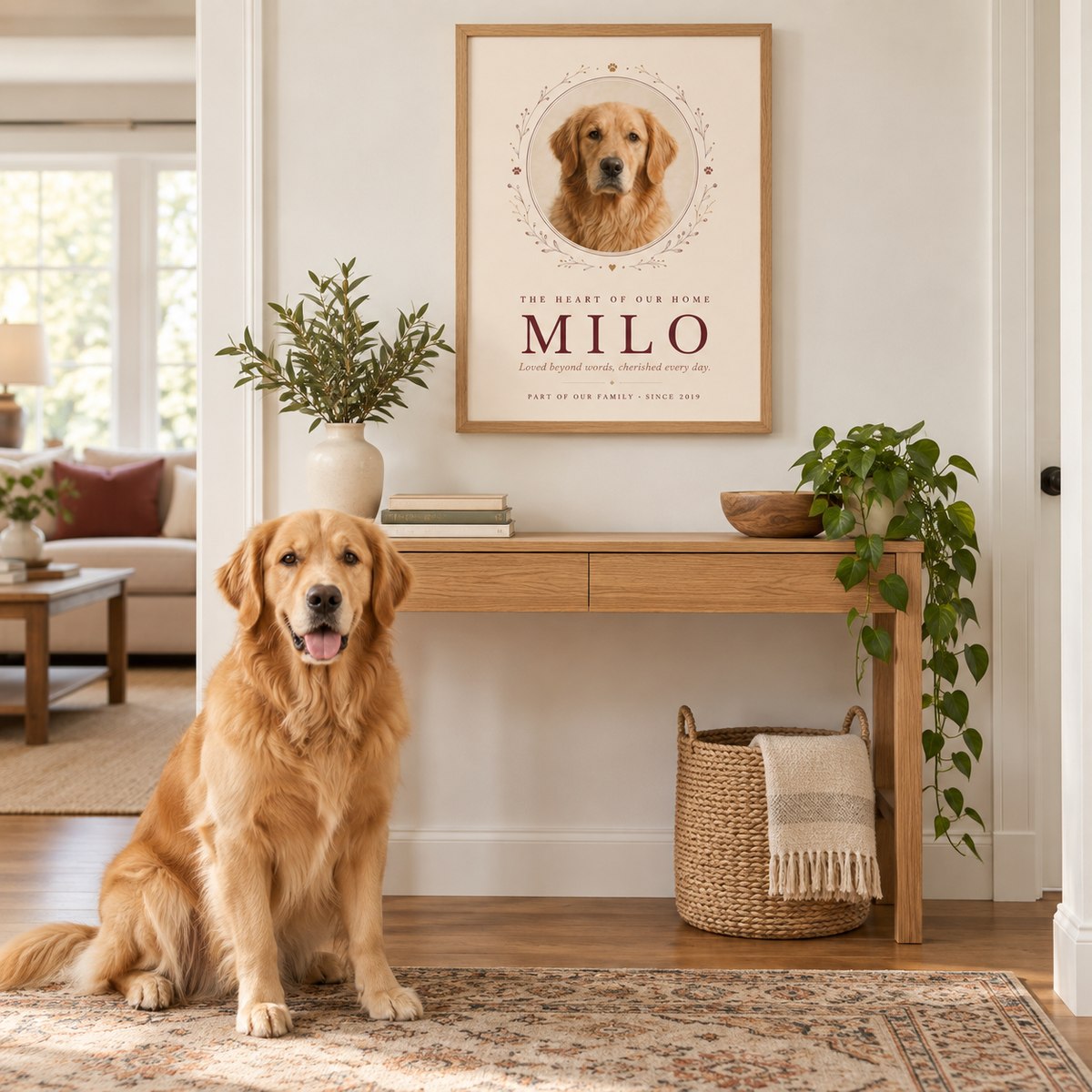
MADE PERSONAL, MADE SIMPLE
From a meaningful moment to a piece of home.
Choose your piece
Find a design for your story, then choose an unframed print or natural oak frame and a size for your space.
Make it yours
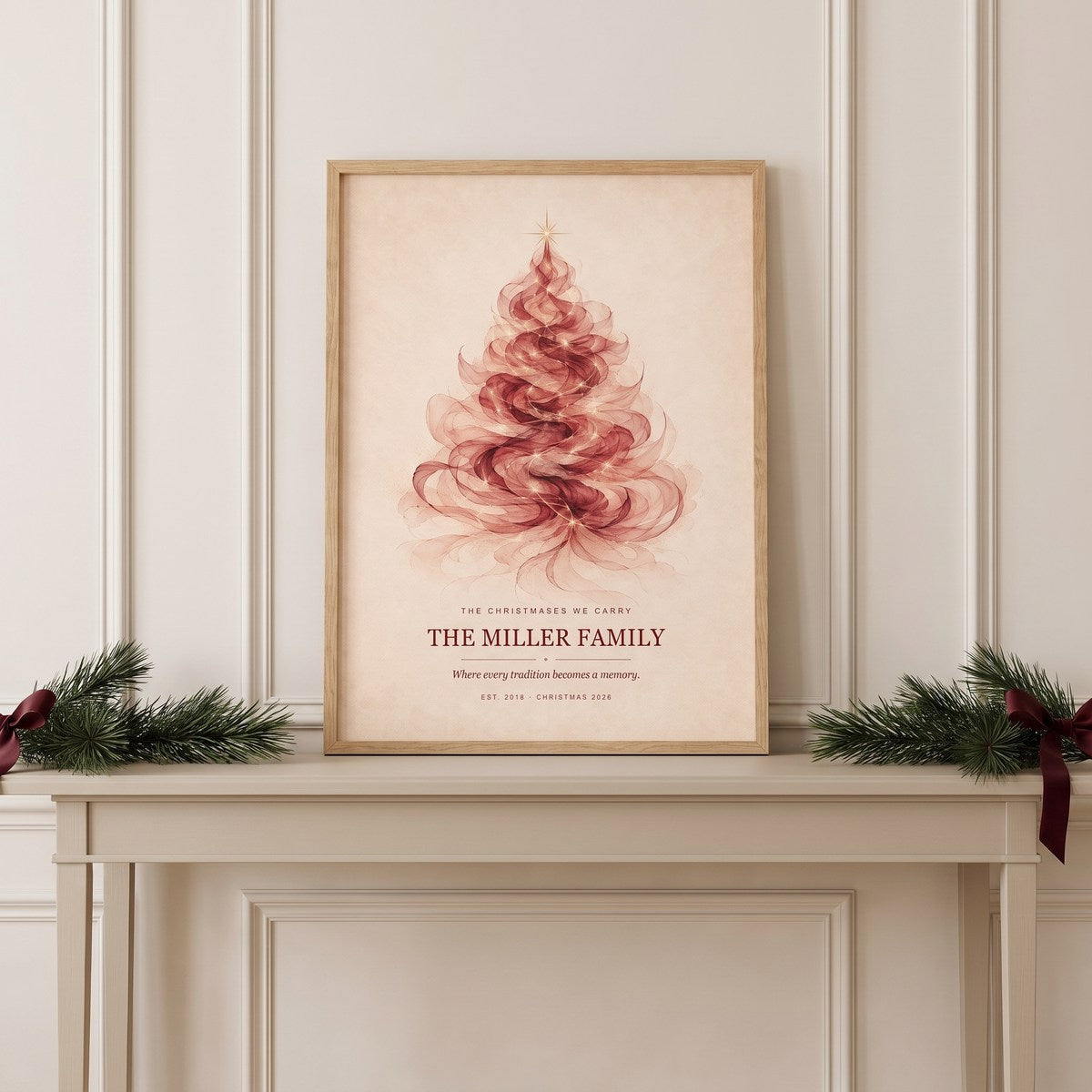
Select Start personalizing. Add the names, dates, words, or photo your design calls for, and adjust the available details in your preview.
Preview, then order
Review your artwork, explore the room preview, and confirm your details before adding your personalized piece to the cart.
FOR DESIGNS THAT USE A PHOTO
Start with a photo you love.
Photo requirements apply to photo-based designs. Designs made with names, dates, or words do not need a photo.
Choose a clear original
Use a well-lit photo with the face in focus and room around the subject for cropping. The largest original file you have is usually the best place to start.
Give your subject room
Avoid screenshots, blurry images, heavy filters, and photos that cut off ears or faces. Check the crop in your artwork preview before continuing.
Check your file
The photo editor accepts JPG, PNG, or WebP files up to 8 MB. For an iPhone HEIC photo, export a JPG copy before uploading. Keep your original photo too.
ONE LAST LOOK
Make sure every detail feels right.
Your piece is made using the details you approve. Before ordering, check:
- Names, spelling, dates, and any personal message.
- Photo placement and cropping, when your design uses a photo.
- The selected print size and framed or unframed format.
Room scenes help you visualize the artwork. Check the listed measurements for fit; screen colors may differ slightly from the finished print. Once ordered, your piece is prepared for production and tracking is emailed when available.
See production and delivery information →READY TO BEGIN?
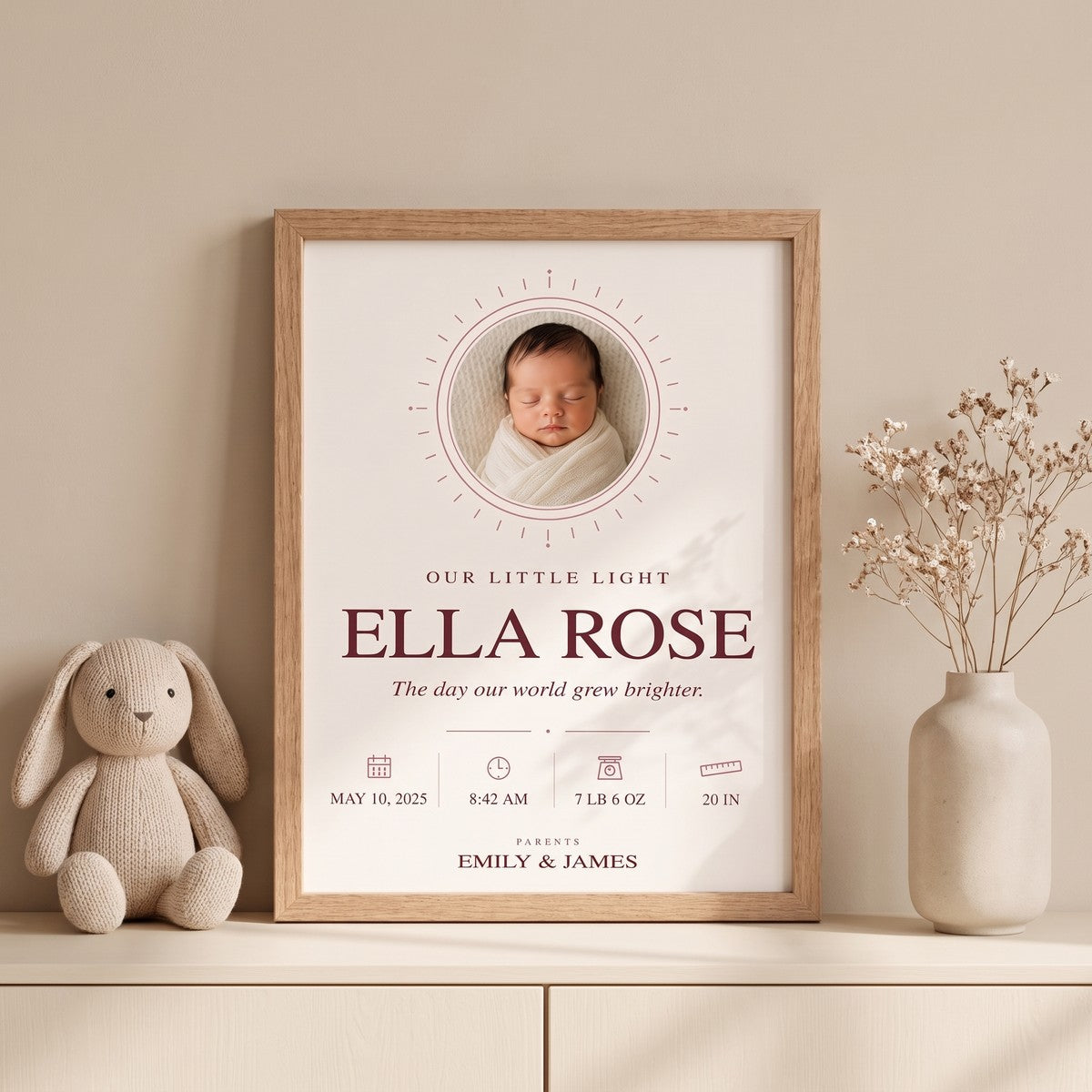
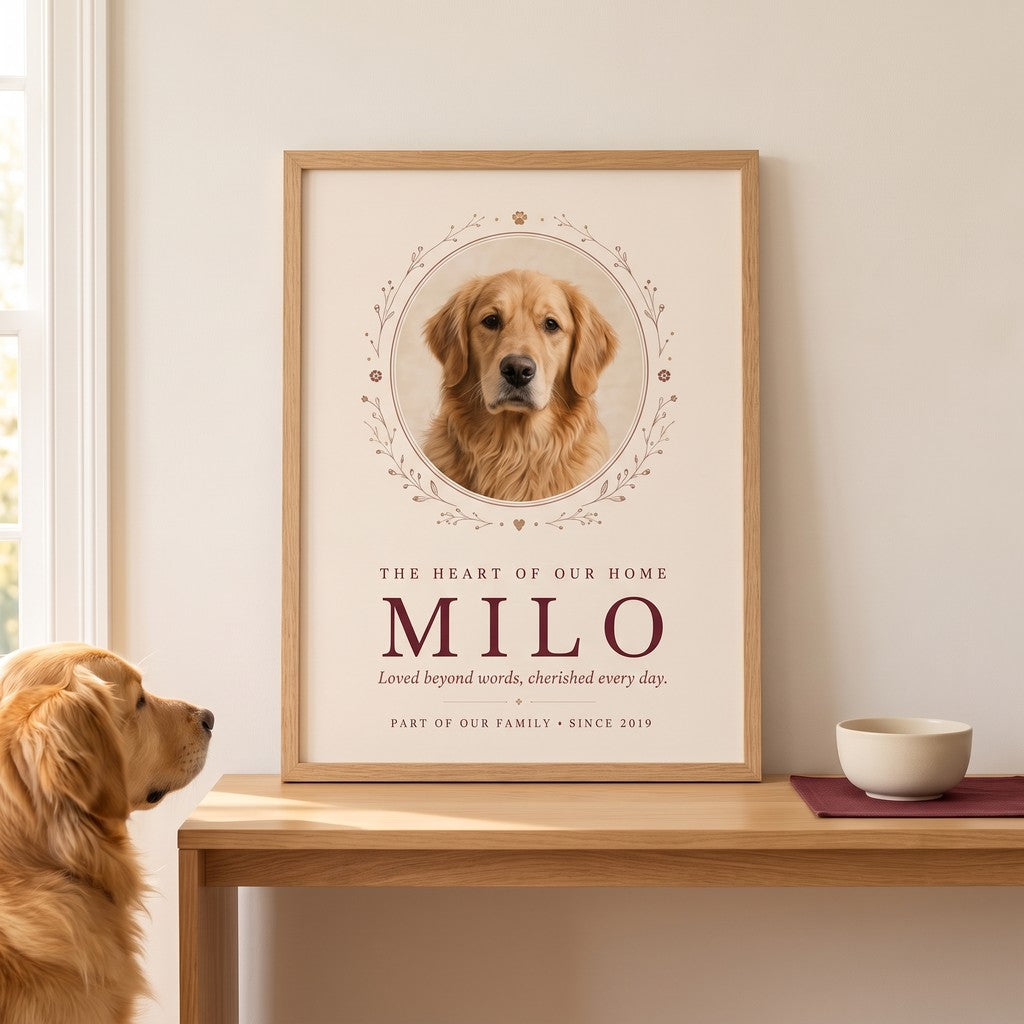
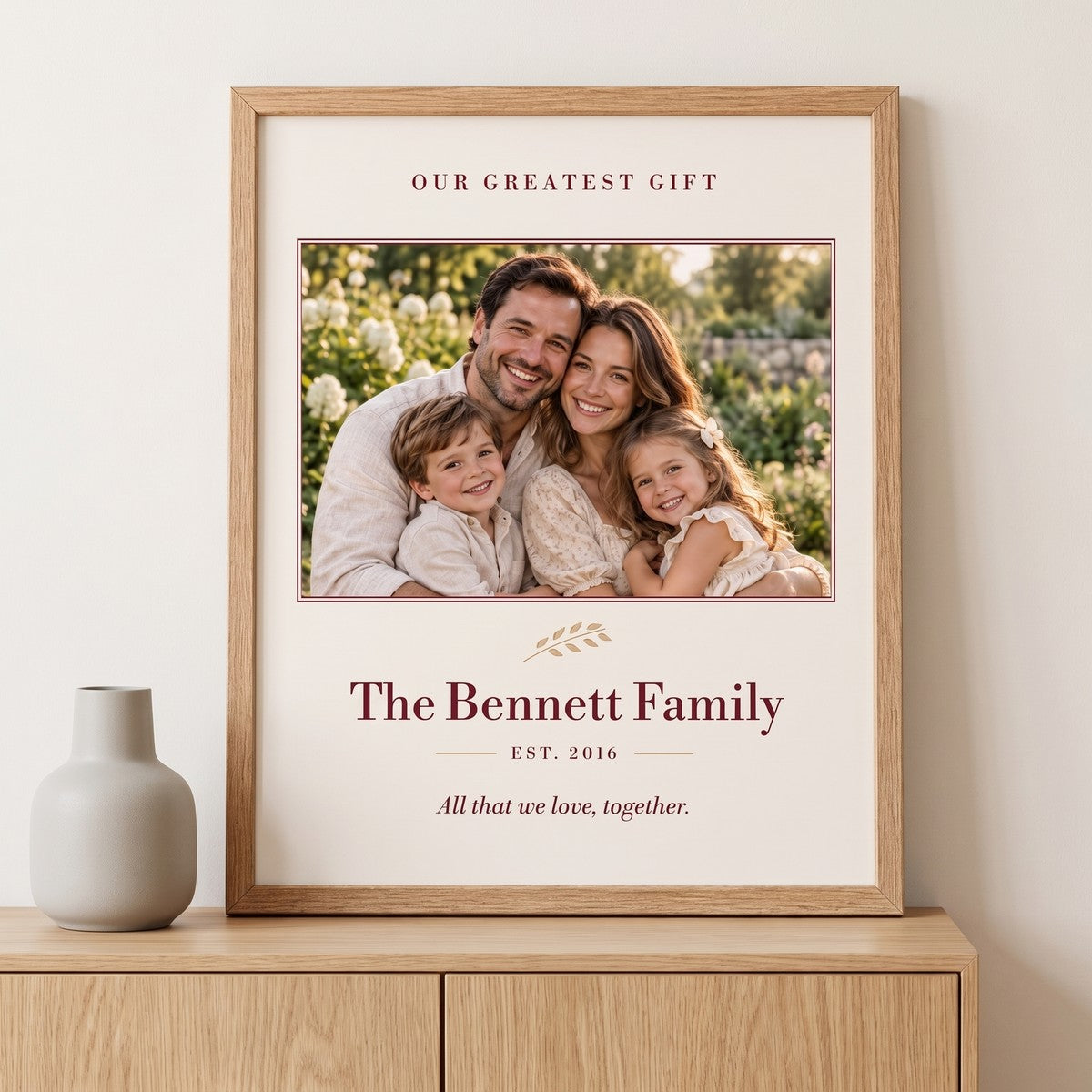
Choose the story you want to keep.
Need a little help? Contact us · Read the FAQ